Running your business without a CRM is like trying to keep all your customers in your head — sticky notes on your desk, random emails, a spreadsheet that no one updates, and phone numbers scattered everywhere. It works for a while… until it doesn’t.
That’s when missed follow-ups, lost leads, and customer confusion start to pile up. A CRM is what brings all those moving parts together into one organized system.
So, let’s start with the big question — what exactly is a CRM?
You’ve probably heard people mention it in business conversations, maybe even thrown the word around yourself, but you’re not totally sure what it really means. Don’t worry, you’re in the right place.
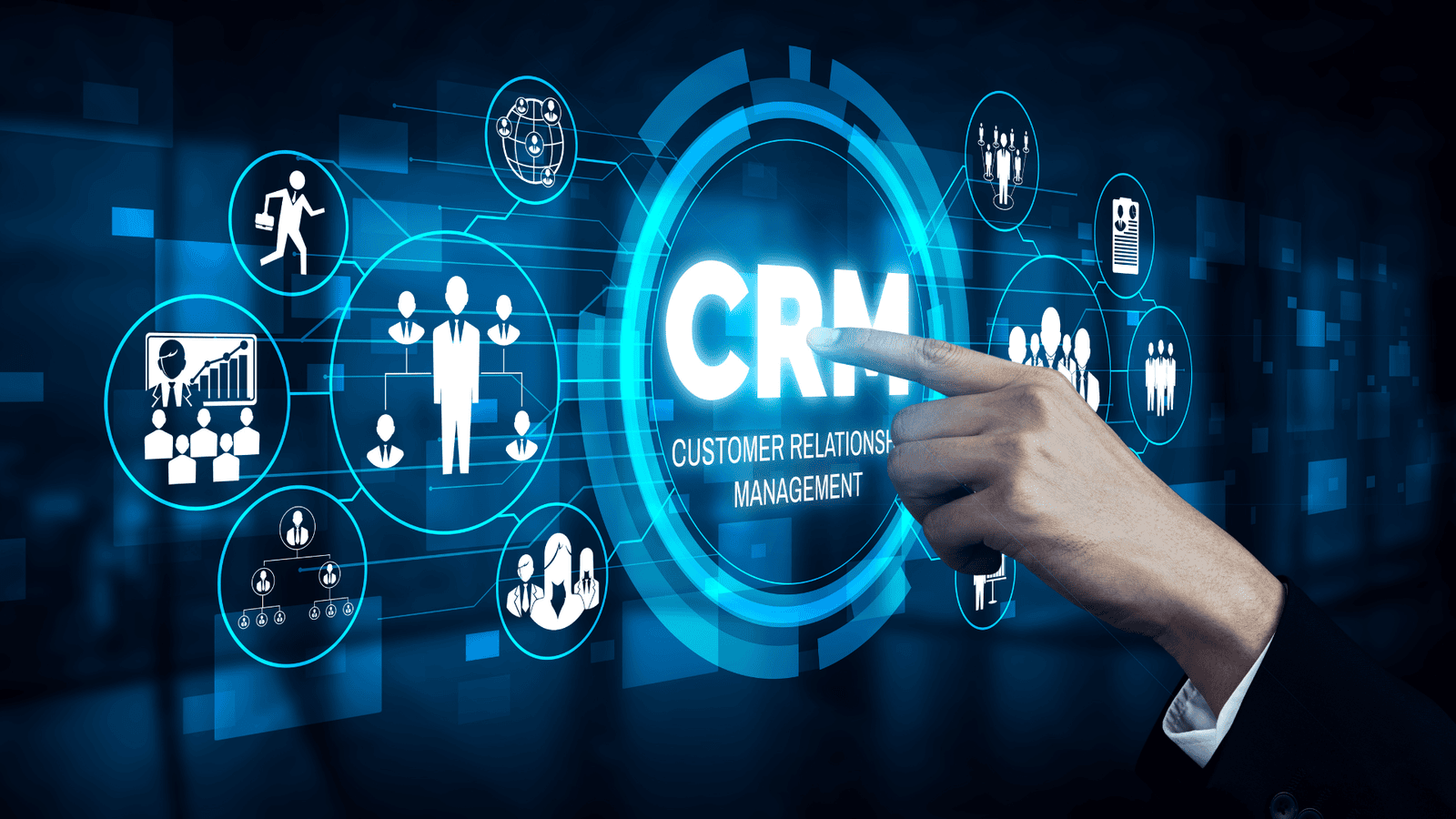
CRM stands for Customer Relationship Management. It’s basically the mix of strategies, processes, and tools that businesses use to manage and understand their relationships with customers — from the very first time they hear about your brand to long after they buy from you.
In simpler terms, a CRM helps you collect, organize, and manage all your customer information in one central place.
No more searching through spreadsheets, sticky notes, emails, or chat messages to find one contact’s details. A CRM gives you a complete view of every customer — who they are, what they’ve bought, what they like, and how they’ve interacted with your business. That means your team can respond faster, follow up smarter, and build stronger connections.
At its core, a CRM isn’t just a fancy database. It’s a system that helps you build real relationships at scale — keeping your business organised, your customers happy, and your growth on track.At CRM Instructor, we believe every growing business deserves clarity. That’s why we break down CRM tools like Zoho, HubSpot, and GoHighLevel into plain English — so you actually understand how to use them.
Here’s the thing — when most people hear “CRM,” they immediately think of software. But CRM is actually much more than a tool. It’s a mindset and a way of running your business that keeps your customers at the heart of everything you do.
Let’s break it down.
1. It’s a Strategy
At its core, CRM is about putting your customers first. Every decision — from how you sell to how you follow up — should be guided by what’s best for them.
It’s like saying, “If I truly understand my customers, I can serve them better.” And honestly, happy customers are the foundation of a happy, thriving business.
2. It’s a Process
CRM also defines how your business interacts with customers.
It sets the flow — from capturing leads, to following up, to making sure every message or call is tracked. With the right process, no lead slips through the cracks and every customer feels seen and valued.
When your team follows a clear, consistent process, everything runs smoother and your customers notice the difference.
3. It’s a Technology Enabler
Finally, this is where the software comes in. CRM tools help you bring your strategy and processes to life. They automate repetitive tasks, track data, and give you insights that help you make smarter decisions as you grow.
So, think of CRM as a three-part system: your people, your process, and your technology — all working together to help your business build stronger, longer-lasting relationships.
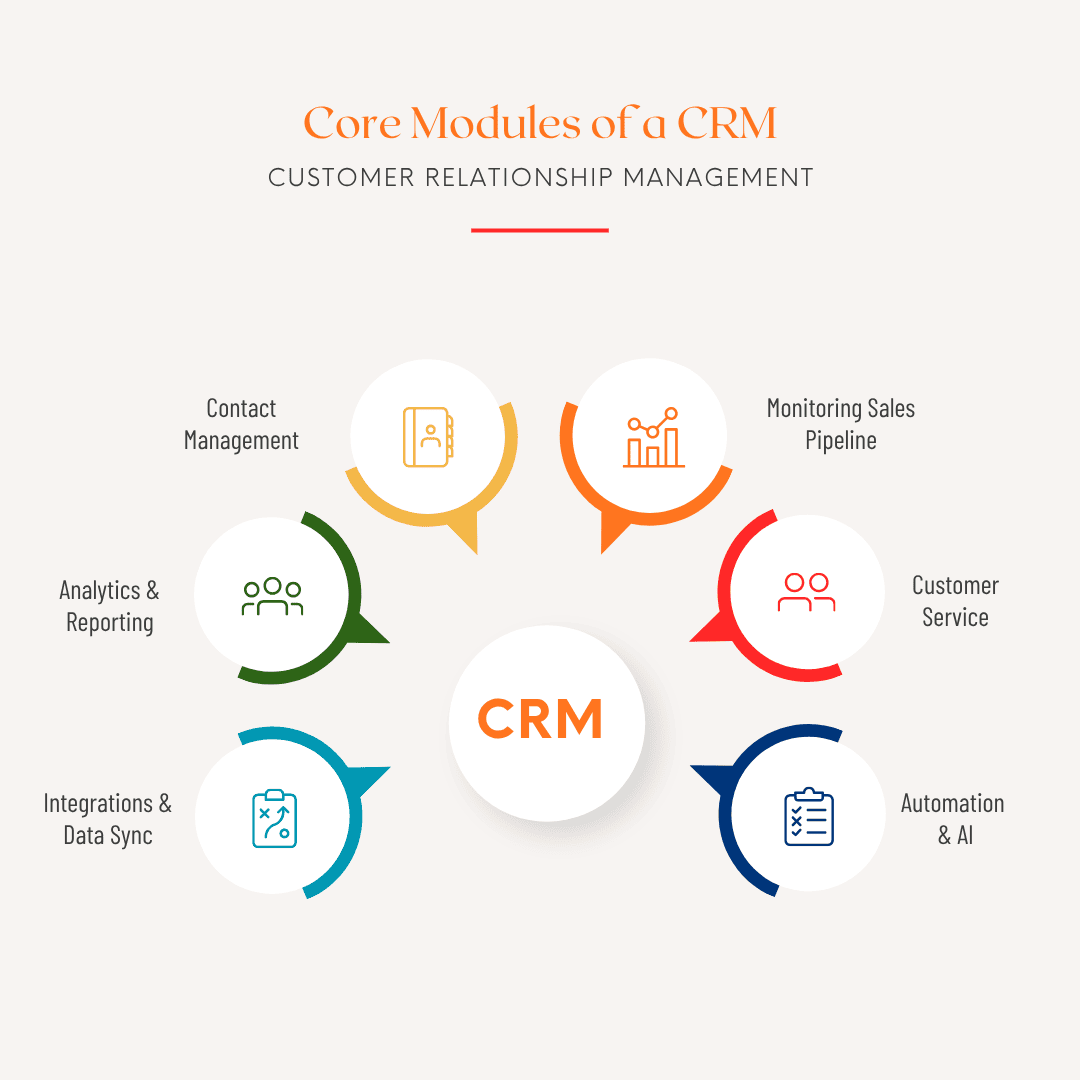
To understand how CRM systems deliver value, let’s look at their core functions and the different types
of CRM available today.
Core Modules of a CRM
1. Contact & Lead Management
This is the foundation. Your CRM stores detailed customer information — names, emails, phone numbers, communication history, purchases, and preferences — so your entire team can see the full picture.
2. Sales Pipeline & Opportunity Management
Here’s where you track leads through every stage of the buying journey — from first contact to deal closure. You can see what stage each opportunity is in, forecast revenue, and stay on top of next actions.
3. Marketing Automation & Campaigns
Modern CRMs often include email marketing, lead scoring, segmentation, and nurturing workflows. This helps marketing and sales teams stay aligned and move prospects smoothly from interest to purchase.
4. Service & Support Management
A good CRM connects customer support with the rest of your business. Support tickets, live chats, and issue histories are all linked to customer profiles — ensuring faster and more personalised service.
5. Analytics & Reporting
With built-in dashboards and reports, a CRM turns your data into insights. You can track performance, analyze trends, and make data-driven decisions instead of relying on assumptions.
6. Integrations & Data Sync
A CRM doesn’t work in isolation. It connects to your email tools, website forms, accounting software, e-commerce platforms, and analytics dashboards — so your data stays accurate and unified.
7. Automation & AI
Automation reduces manual work by sending follow-ups, assigning leads, or creating reminders automatically. AI-powered CRMs even predict customer churn or recommend the next best action.
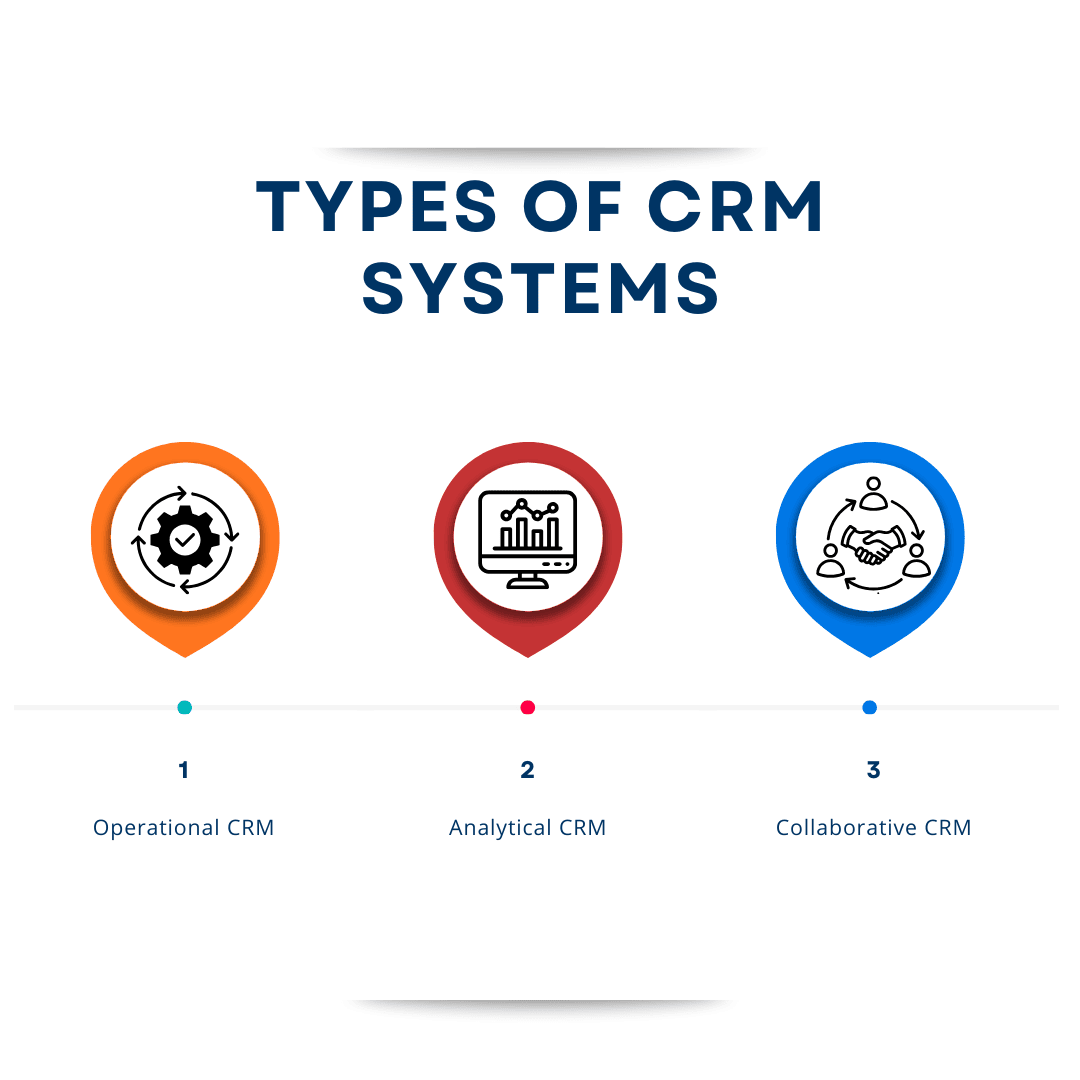
CRMs can be categorised based on what they focus on:
Operational CRM: Focuses on automating daily business operations like sales, marketing, and customer service (e.g., Zoho CRM, HubSpot).
Analytical CRM: Focuses on analysing customer data to improve decision-making and identify trends.
Collaborative CRM: Focuses on sharing customer information across departments to improve collaboration and customer experience.
Most modern CRMs, like Zoho, HubSpot, and Salesforce, combine all three — giving you an end-to-end solution.
As businesses grow, managing relationships manually becomes nearly impossible. Here’s why every growing business needs a CRM:
1. Centralised Customer Data
Without a CRM, data lives in different places — spreadsheets, emails, or your team’s memory. A CRM consolidates all that into one reliable source of truth so everyone can access the same information.
2. Improved Sales Efficiency
With clear visibility into your sales pipeline, you can see what’s working, where deals are stuck, and what needs attention. Automated follow-ups and reminders help sales reps focus on what truly matters — closing deals.
3. Better Customer Experience
A CRM keeps track of every customer interaction. Whether a client contacts support or receives an email, your team always has context. That means no more repeating information or missing details — just a smoother, more personalised experience.
4. Data-Driven Decision Making
CRMs provide analytics that help you understand what drives results — from the best-performing campaigns to customer lifetime value. You’ll know where to invest time and money for maximum return.
5. Scalability & Process Consistency
As you grow, processes can get messy. A CRM brings structure, ensuring your team handles leads, sales, and service consistently — even as new team members join.
6. Automation Saves Time
Automating repetitive tasks like data entry, follow-up emails, and lead assignment frees up valuable hours so your team can focus on relationship-building and strategy.
7. Team Collaboration
Everyone — marketing, sales, and support — works from the same system. This improves communication, reduces friction, and keeps everyone aligned on shared goals.