Choosing a CRM can feel confusing, especially when you’re just getting started.
There are so many options out there. You see tools like HubSpot, Zoho, Salesforce, and others, and it quickly becomes hard to know which one is right for you. Many people start comparing features, checking prices, and watching demos, but instead of getting clarity, they feel even more confused.
This is very common.
Some business owners even end up using more than one CRM at the same time because they’re not sure which one to choose.
You are not the only one struggling with this.
The good news is, it doesn’t have to be that way.
Learning how to choose a CRM is not about finding the most popular tool or the one with the most features. It’s about choosing a system that fits your business and helps you stay organised.
In this guide, we will walk you through a simple, step-by-step process to help you choose the right CRM without stress or confusion.
By the end, you’ll know what to look for, what to avoid, and how to choose a CRM that actually works for you.
For many business owners, the problem isn’t just choosing a CRM—it’s knowing where to start.
When you begin your search, everything seems important. Every tool looks useful, every feature sounds necessary, and every platform claims to be the best. This makes it hard to know what really matters and what doesn’t.
Let us take a look at why many people feel stuck before they even make a decision.
1. There Are Too Many CRM Options
One of the first challenges you will face is the number of CRM tools available.
You will encounter platforms such as HubSpot, Zoho, Salesforce, Pipedrive, and many others. Each of these tools is designed for different types of businesses, but as a beginner, they can all look the same.
Because of this, it becomes difficult to tell:
Which one is simple to use?
Which one fits your business
Which one do you actually need
When everything looks like a good option, it becomes harder to choose one.
2. Information Overload Creates Confusion
After seeing different CRM options, most people try to compare them.
You start looking at features, pricing plans, and integrations, and maybe even watching demo videos. At first, it feels like you are making progress, but after a while, it becomes overwhelming.
There is just too much information to process at once.
Instead of getting clarity, you may start feeling unsure:
One tool looks better in terms of features
Another looks more affordable.
Another seems easier to use
Too much information without a clear direction leads to confusion.
This is where decision paralysis begins.
When you have too many options and too much information, it becomes difficult to make a decision.
You may delay choosing a tool because you are afraid of making the wrong choice. Some people even try multiple CRMs at the same time, hoping one will feel right.
But this only creates more confusion, not clarity.
For example, you might open several tabs to compare different tools. You check features, and pricing, and watch demos, but after all that, you still don’t feel confident about any option.
This is a common experience and it shows that the problem is not you, but the process you’re following.
Before you choose a CRM you can book a consultation with Crminstructors and make sure you’re heading in the right direction
Before you move forward with this CRM selection guide, there is one important thing you need to understand.
Most people start by looking for the “best CRM.” They want the most popular tool or the one with the most features. This sounds like the right approach, but it often leads to more confusion.
The truth is: there is no single CRM that works best for everyone.
Here’s what you need to understand:
Why “Best CRM Lists” Don’t Work
When you search online, you will find many lists showing the “best CRMs.” These tools are usually ranked based on features, pricing, or popularity.
The problem is that these lists are general. They are not built around your business, your workflow, or your specific needs.
A tool that works well for one business may not work for another. For example, a CRM designed for a large team with complex processes may feel too difficult for a beginner.
Following these lists without understanding your needs can lead to one major mistake—you choose a tool that looks good on paper but doesn’t work for you.
The Only CRM That Matters: The One That Fits Your Business
Instead of focusing on what is popular, you need to focus on what works for you.
Every business is different, and your CRM should match how you operate.
For example:
A coach may need a simple system to track calls and follow-ups
A real estate agent may need to track where each client is in the buying process
An e-commerce business may focus more on repeat customers and campaigns
These needs are not the same, so the CRM should not be the same either.
The best CRM is not the one with the most features—it is the one that solves your specific problems.
When you understand this, choosing a CRM becomes much easier because you stop chasing trends and start making decisions based on your business.
Let's take a look at the steps involved in choosing a CRM:
Step 1: Understand What a CRM for Small Business Actually Does
Before you choose any tool, you need to be clear on what a CRM is meant to do in your business.
Many people start looking for a CRM for small businesses without fully understanding how it works. Because of that, they end up choosing tools based on features instead of function.
If you don’t understand the purpose of a CRM, it becomes easy to choose the wrong one.
Let’s break it down in a simple way:
A CRM Helps You Stay Organised
A CRM is not just a software you install and start using.
It is a tool, but it is also a way of managing your relationships with your leads and customers.
Some people focus too much on features like automation, dashboards, and reports. While those things are useful, they are not the main purpose of a CRM.
A CRM helps you stay organised by keeping all your interactions in one place. It gives you a clear system for managing your business relationships.
This means knowing:
Who your leads are
Who have you spoken to
What was discussed
What needs to happen next
When you understand this, you stop looking for a “fancy tool” and start looking for something that supports how you work.
A CRM Helps You Track Every Interaction and Next Step
At its core, a CRM is a system that helps you keep track of your relationships.
It brings your contacts, conversations, and next steps into one place so nothing gets missed. Instead of trying to remember everything or using different tools, you have one system guiding your process.
The goal is not complexity but clarity and consistency.
Here’s what this looks like in different types of businesses:
A coach can track who booked a call, who needs a follow-up, and who is ready to move forward
A real estate agent can track which clients are ready to buy and which ones are still exploring
An e-commerce business can track repeat customers and build better follow-up campaigns
Even though the businesses are different, the idea is the same.
A CRM helps you keep track of people, conversations, and what to do next—without things slipping through the cracks.
Step 2: Define Your Needs Before Looking at Any CRM
One of the biggest mistakes people make when trying to learn how to pick the right CRM is starting with the tools instead of their needs.
They jump straight into comparing features, pricing, and platforms without first understanding what they actually want the CRM to do.
When you are clear about your needs, choosing a CRM becomes much easier because you are no longer guessing, you are making a decision based on your business.
1. Identify Your Core Goals
Start by asking yourself what you want your CRM to help you do.
Every business is different, so your goals will not be the same as someone else’s. What matters is choosing a system that supports your daily activities.
For example, your goal might be to:
Manage your leads in one place
Track your sales and deals
Send email campaigns or automate follow-ups
Manage bookings or invoices
Your CRM should match your goals and not the other way around.
2.IdentifyYourPainPoints
Next, think about the problems you are currently facing in your business.
This is where a CRM should help you the most.
You may be dealing with:
Disorganised leads
Missed follow-ups
Conversations scattered across different platforms
Difficulty tracking your sales process
These issues are common, especially when you don’t have a system in place.
Your pain points will guide you to the right solution.
3. Write It Down Before Choosing Any Tool
Once you understand your goals and your problems, write them down.
This step may seem simple, but it makes a big difference. It gives you clarity and helps you stay focused when you start looking at different tools.
When everything is written down, it becomes easier to match your needs with the right CRM.
For example:
If your main goal is lead tracking, a simple CRM may be enough
If you need automation and campaigns, you may need a more advanced tool
This is how you move from guessing to making a clear decision.
Step 3: Focus on the Features That Matter When Choosing a CRM
Once you start looking at CRM tools, one thing you will notice is that every platform comes with a long list of features.
At this point, it’s easy to get distracted.
You may start thinking you need automation, reports, integrations, dashboards, and many other things all at once. But the truth is, most of those features are not what you need right now.
This is where many people get overwhelmed.
Instead of trying to choose a CRM with everything, the goal here is to focus only on the features that will actually help your business today.
The 80/20 Rule of CRM Usage
Most people do not use all the features in their CRM.
In fact, many businesses only use a small part of what the tool offers—sometimes as little as 10–20%. This means you could end up paying for features you don’t need or don’t even understand.
More features do not always mean more value.
The goal is to choose a CRM that covers your current needs and is easy to use, not one that tries to do everything at once.
To make things simple, here are the key features you should pay attention to:
1. Ease of Use
The first thing you should look for is how easy the CRM is to use.
If a tool is difficult to understand or takes too long to learn, you are less likely to use it consistently. And if you are not using your CRM, then it is not helping your business.
A CRM you don’t use is a waste of time and money.
Some business owners choose advanced tools with many features, but later abandon them because they feel too complex.
It is always better to start with something simple that you can use confidently. As your business grows, you can always upgrade.
2.Integration withYour ExistingTools
Your CRM should work well with the tools you already use.
If your systems cannot connect, your data will be scattered, and your workflow will become more difficult to manage.
For example, your CRM should be able to connect with:
Your email (Gmail or Outlook)
Your scheduling tool (like Calendly)
Your meeting platform (like Zoom)
Your website forms
When everything is connected, your information flows smoothly into one place. This helps you stay organized and prevents you from losing important data.
3. Scalability for Your Business Growth
When choosing a CRM, do not think about just today—think about where your business is going.
Right now, you may only need a simple system to manage leads. But in the future, you may need automation, email campaigns, or even a team working with you.
If your CRM cannot support that growth, you may have to switch tools later.
And switching CRMs can be time-consuming and expensive.
Some businesses start with a tool that works for now, but later realize it cannot handle their growing needs. This forces them to migrate to another system, which can disrupt their operations.
Choosing a CRM that can grow with you will save you time and stress in the long run.
Step 4: Test Before You Commit
You won’t know if a CRM is right for you just by reading about it.
No matter how good a tool looks on paper, the real question is how it feels when you use it. This is a key part of learning how to choose a CRM that actually works for your business.
What looks simple in a demo can feel completely different in practice.
So how do you know if a CRM is actually right for you?
Use Free Trials the Smart Way
Most CRM tools give you access to a free trial or a free plan.
This is your chance to explore the system without pressure. Instead of rushing through it, take your time and use it like you would in your daily work.
Try to understand how the system responds to simple tasks. Does it feel smooth or confusing? Does it take effort to figure things out?
You are not just testing features, you are testing your experience.
What to Test
When testing a CRM, keep it simple.
Focus on the basic things you will do often:
Adding a contact
Moving around the dashboard
Setting up a simple process
These small actions will tell you a lot about the system.
If something simple feels difficult, that’s a problem.
For example, if it takes too many steps just to create a contact, it means the system may be too complex for your needs.
If it takes 10 clicks to do something simple, it’s probably not the right tool for you.
Step 5: Pick One and Start
At this stage, the real challenge is not the number of CRM tools available, but the decision itself.
Many people spend too much time trying to figure out how to pick the right CRM, moving from one option to another, comparing features and pricing without ever settling on a clear choice. While this may feel like progress, it often leads to delay rather than clarity.
The longer you stay in that cycle, the longer your business runs without a proper system in place.
Instead of going back and forth, it’s more effective to choose a tool that fits your current needs and begin using it. You can always improve your setup over time, but you cannot benefit from a CRM if you never start using it.
This is where it starts to affect your business:
Why Overthinking Costs You More
Overthinking often feels like a careful approach, but in practice, it slows everything down.
While you are trying to make the perfect decision, important tasks are being missed. Leads are not followed up on time, conversations are not properly tracked, and your sales process becomes harder to manage.
These small gaps may not seem serious at first, but over time, they begin to affect your results.
In many cases, waiting too long to decide creates more problems than choosing a simple system and improving it later.
ProgressOverPerfection
It’s important to understand that no CRM will be perfectly set up from the beginning.
Every system takes time to build, adjust, and improve based on how your business operates. Starting small allows you to learn how the CRM works and gradually shape it to fit your needs.
As your business grows, you can add more features, refine your workflows, and make better use of the system.
The goal is not to get everything right at once, but to start and improve as you go.
Not every CRM is a good fit, even if it looks impressive at first.
Some tools may seem powerful, affordable, or popular, but once you start using them, problems begin to show. This is why it’s important to look beyond the surface when choosing a CRM for a small business.
A wrong choice here can cost you time, money, and unnecessary stress. And in many cases, switching to another CRM later is not as easy as it sounds.
These are some of the common red flags you should watch out for:
1. Too Many Features (Over-Complexity)
Some tools come with too many features, especially ones you may not need.
While this might sound like a good thing, it can quickly become overwhelming, especially if you are just starting. Instead of helping you stay organised, the system becomes difficult to understand and use.
You may find yourself avoiding the tool simply because it feels too complicated.
2. Hidden Costs That Scale Quickly
CRMs can look affordable at the beginning, but the cost increases as your business grows.
As you add more contacts, use automation, or connect other tools, the pricing can go up faster than expected.
What started as a “cheap” option can become expensive over time.
Always look beyond the starting price and understand how the cost grows with usage.
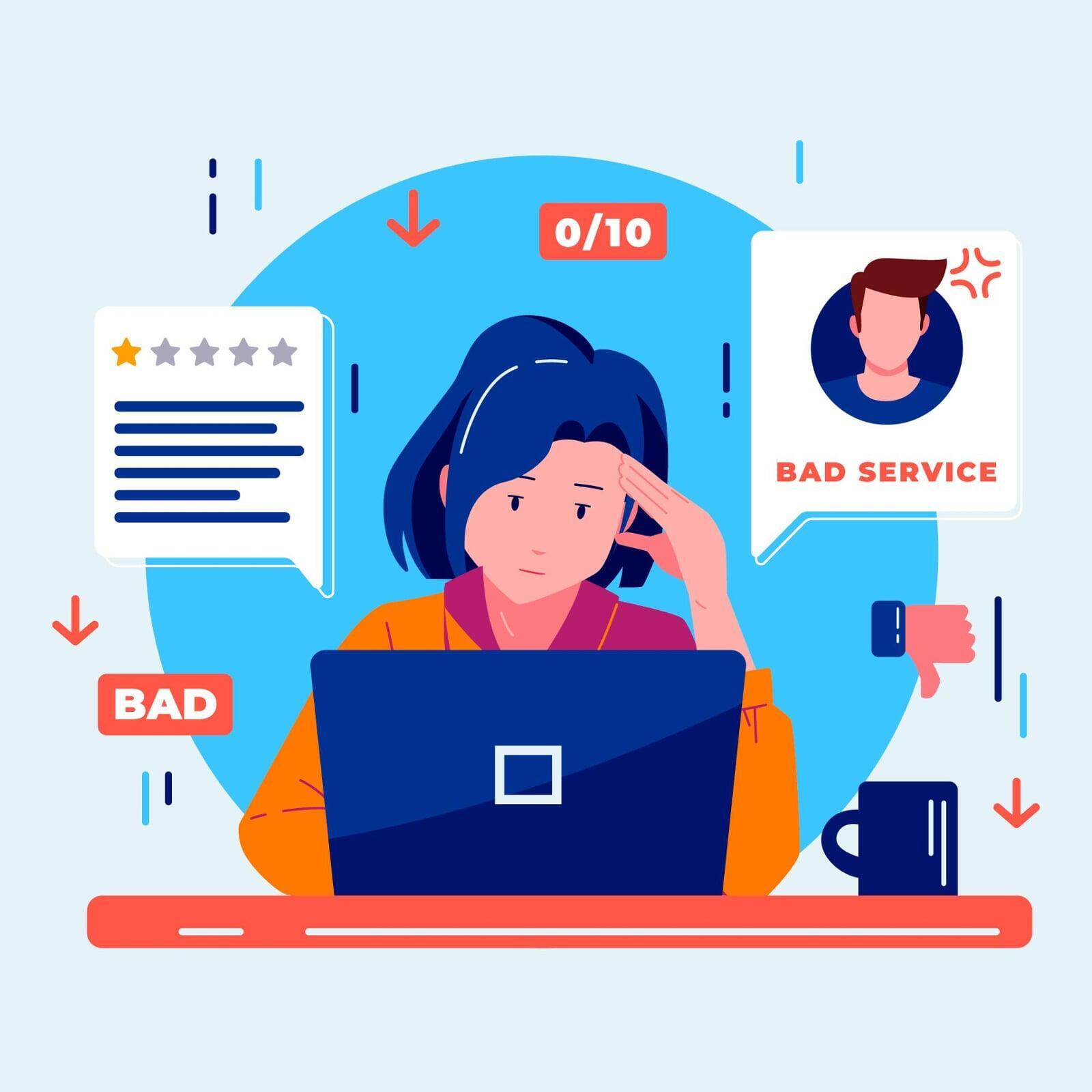
3. Poor Customer Support
At some point, you will need help with your CRM. This could be during setup, troubleshooting, or when trying to use certain features. If support is slow or difficult to reach, it can delay your work and cause frustration.
Waiting days for a response can affect how effectively you use the system.
4. Weak or No Mobile App
During many business activities, you may need to check leads, follow up with clients, or review updates when you are not at your desk. If your CRM does not have a reliable mobile app, it becomes harder to stay consistent.
Accessibility matters, especially if you want to manage your business from anywhere.
Getting to a point where things still do not feel clear can be frustrating especially after you have looked at different tools and tried to understand how everything works.
You may have compared options or even tested a few systems but you still feel unsure about what to choose or how to set things up in a way that makes sense for your business.
This is more common than people admit, especially when trying to find the best CRM for beginners without a clear direction.
It may be time to get help if any of these sound familiar:
You’ve tried a few CRMs but none of them feel right
You’re not sure what features your business actually needs
You keep delaying your decision because you don’t want to get it wrong
Trying to find the best CRM for beginners on your own can feel like a lot, especially when every tool seems to promise something different.
FAQs
Conclusion
You do not need to have everything figured out before you start using a CRM.
What matters is choosing something that works for your business right now and being consistent with it. Trying to get everything perfect from the beginning will only slow you down and make the process harder than it needs to be.
When you understand how to choose a CRM, the focus shifts from finding the most advanced tool to finding one you can actually use and grow with.
Start simple and give yourself time to learn the system. As your business grows you can improve your setup, add more features, and make the CRM work better for you.
You are not building everything in one day, you are building a system over time. The best CRM isn’t the most powerful, it is the one you actually use.
If you’re ready to stop guessing and choose a CRM that truly fits your business, Crminstructors can guide you through the process and help you get it right from the start.