Think about how you currently keep track of potential customers. Do you have a spreadsheet with a few names, a couple of sticky notes on your desk, and an inbox full of conversations you plan to revisit later?
For many small businesses, that system works at first. But as more inquiries start coming in, it becomes harder to keep track of who needs a response and which leads are actually ready to buy.
That’s usually when businesses start looking for something more structured. A CRM (Customer Relationship Management) system helps organize contacts, track deals, and keep every conversation in one place. Some tools even automate follow-ups so potential customers don’t slip through the cracks.
With so many options available today, how do you choose the right CRM for your business?
Let’s start by understanding what CRM software actually helps businesses do.
If you’ve never used a CRM before, you might be wondering: what does it actually do in day-to-day business? Is it just a digital contact list, or does it actually help you run your sales process better?
At its core, a CRM helps you keep customer information organised and easier to act on. Instead of digging through emails, notes, and spreadsheets, everything about your leads and customers sits in one place. This is one of the reasons many businesses start exploring the best CRM software 2026 as they grow and need a clearer way to manage customer relationships.
A typical CRM helps businesses:
Store customer data: Names, emails, phone numbers, and past interactions
Track deals and sales pipelines: See where each lead is in your sales process
Automate follow-up emails: Send responses or reminders without doing it manually
Monitor sales performance: Understand how leads move from inquiry to customer
For example, a consulting business might capture leads from its website and store them directly in a CRM. The system can then send a simple follow-up email and record the interaction, helping the team keep track of potential clients more easily.
In simple terms, a CRM turns scattered customer information into something organised, visible, and much easier to manage.
If you'd like a clearer direction, getting a quick consultation can often help you avoid choosing the wrong tool or setting things up in a way that creates more work later.
With so many CRM tools available today, choosing the right one can feel overwhelming. While many platforms offer similar features, not all of them are practical for small businesses or growing teams. Businesses that use CRM systems can increase sales by up to 29% and improve productivity by about 34%, which makes choosing the right platform an important decision.
To keep this guide useful, we focused on CRM tools that balance simplicity, essential features, and affordability.
For this comparison, we prioritised tools that offer:
Clear sales pipeline management to track leads and deals
Email automation for follow-ups and lead nurturing
Integrations with marketing and business tools
Affordable pricing for startups and small businesses
Based on these factors, here are some CRM platforms worth considering.
Once businesses realize they need a CRM, the next question is usually simple: which one should we actually use? There are dozens of options out there, and sorting through them can feel overwhelming.
That’s not surprising when you consider that 73% of businesses already use CRM software, and teams using it are far more likely to hit their sales goals.
Here is a quick comparison of the CRM tools covered in this guide.
| CRM Tools | Best For | Starting Price | Key Strength |
| HubSpot | Marketing heavy teams | Free plan available | Marketing integration |
| Zoho CRM | Growing businesses | $14 per user | Automation and customisation |
| Pipedrive | Sales focused team | $14.90 per user | Pipeline visualisation |
| ActiveCampaign | Businesses focused on lead nurturing | $29 per month | Email marketing automation |
| Salesforce Starter Suite | Scaling companies | $25 per user | Enterprise capabilities |
| Monday CRM | Project oriented teams | $12 per user | Visual workflow management |
| Fresh Sales | AI powered sales teams | $15 per user | AI insights |
| Keap | Service businesses | $129 per month | Sales automation |
| Close CRM | Sales team that rely on communication | $49 per month | Communication |
| Nimble CRM | Relationship driven teams | $25 per user | Contact intelligence |
To make things easier, let’s look at some of the top CRM tools that work well for small and growing businesses.
1. HubSpot CRM
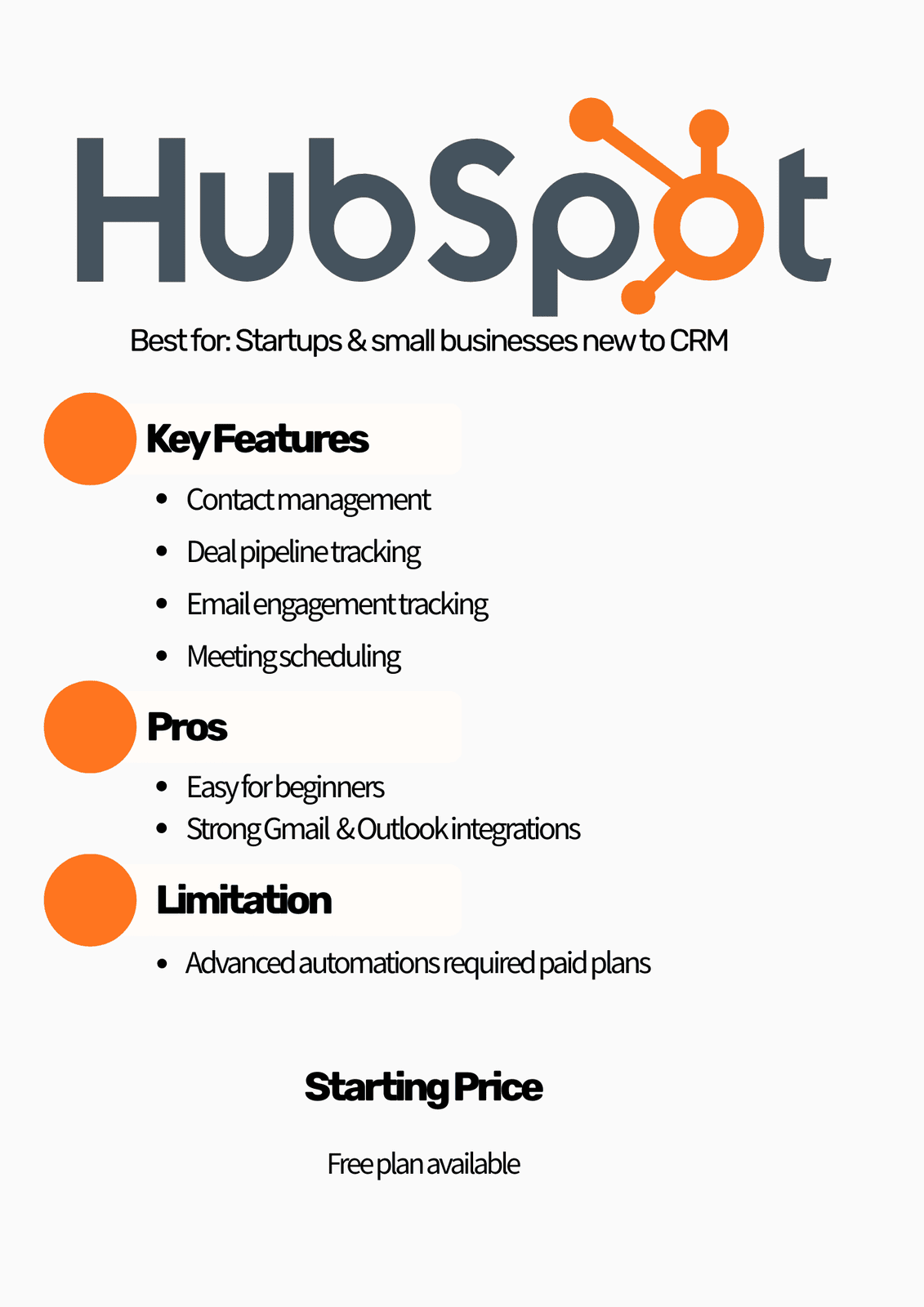
HubSpot CRM is often one of the first platforms small businesses try when exploring CRM software. The platform is known for its clean interface, strong marketing tools, and generous free plan that allows teams to start organizing their contacts and sales activities without upfront cost.
Businesses can store contacts, track deals, monitor email engagement, schedule meetings, and manage sales pipelines from one centralized system. HubSpot also integrates well with popular tools like Gmail, Outlook, Slack, and many marketing platforms.
However, while the free plan is useful for getting started, many advanced features such as automation workflows, advanced reporting, and deeper customisation require upgrading to paid plans.
Pricing
Free plan available
Starter plan typically begins around $20 per user per month
Best for
Startups and small businesses that want a beginner friendly CRM with strong marketing integrations.
Pros
Free plan with essential CRM tools
Clean and beginner friendly interface
Strong integrations with Gmail, Outlook, and marketing tools
Excellent educational resources and documentation
Cons
Advanced automation requires paid plans
Costs increase significantly as features are unlocked
Sales customisation is limited in lower tiers
2. Zoho CRM
Zoho CRM is one of the most flexible CRM platforms available for small businesses that want customization and automation without paying enterprise level prices.
The system allows businesses to manage leads, track deals, automate workflows, create custom fields, and build dashboards that reflect their exact sales process. It is part of the larger Zoho ecosystem, which includes tools for marketing, accounting, customer support, and project management.
Zoho CRM can scale from very small teams to large organizations, which makes it attractive for businesses that expect to grow over time.
Pricing
Starts around $14 per user per month
Best for
Growing businesses that want powerful customisation and automation without expensive enterprise pricing.
Pros
Highly customisable sales pipelines
Strong workflow automation tools
Advanced reporting and dashboards
Affordable starting price
Cons
Interface can feel complex for beginners
Setup may require time due to customisation options
3. Pipedrive
Pipedrive is a CRM designed specifically for sales teams that want a clear visual pipeline to track deals and opportunities.
The platform focuses on simplicity and usability, making it easy to see where every deal sits within the sales process. Sales teams can move deals between stages, track follow ups, schedule activities, and monitor sales performance.
Pipedrive works best for businesses that want a CRM focused primarily on sales tracking rather than full marketing automation.
Pricing
Starts around $21 per user per month
Best for
Small sales teams that want a simple, visual way to manage deals and follow ups.
Pros
Easy to track deals and activities
Strong reminders and follow up management
Fast on-boarding for new teams
Cons
Limited marketing automation features
Advanced functionality requires higher plans
4. ActiveCampaign
ActiveCampaign is often chosen by businesses that rely heavily on email marketing and lead nurturing. It combines CRM features with powerful automation tools, allowing teams to track contacts, manage deals, and send targeted email campaigns based on customer behavior.
Best for
Businesses focused on email marketing and lead nurturing.
Pricing
Starting around $29 per month
Pros
Strong email marketing and automation capabilities
Advanced customer segmentation and workflows
Good for nurturing leads over time
Cons
CRM features are lighter compared to dedicated sales CRMs
Automation setup can feel complex for beginners
5. Salesforce Starter Suite
Salesforce is one of the most recognized CRM platforms in the world, and the Starter Suite is designed to make it more accessible for small businesses.
It provides contact management, pipeline tracking, reporting tools, and basic automation while allowing companies to access the broader Salesforce ecosystem if they grow.
Salesforce is extremely powerful, but even the starter version may require some setup planning.
Pricing
Starts around $25 per user per month
Best for
Businesses that want a CRM capable of scaling into enterprise level capabilities in the future.
Pros
Trusted and widely used CRM platform
Strong reporting and analytics
Access to Salesforce integrations and ecosystem
Highly scalable
Cons
Setup can feel complex for beginners
Costs can increase quickly with additional features
6. Monday Sales CRM
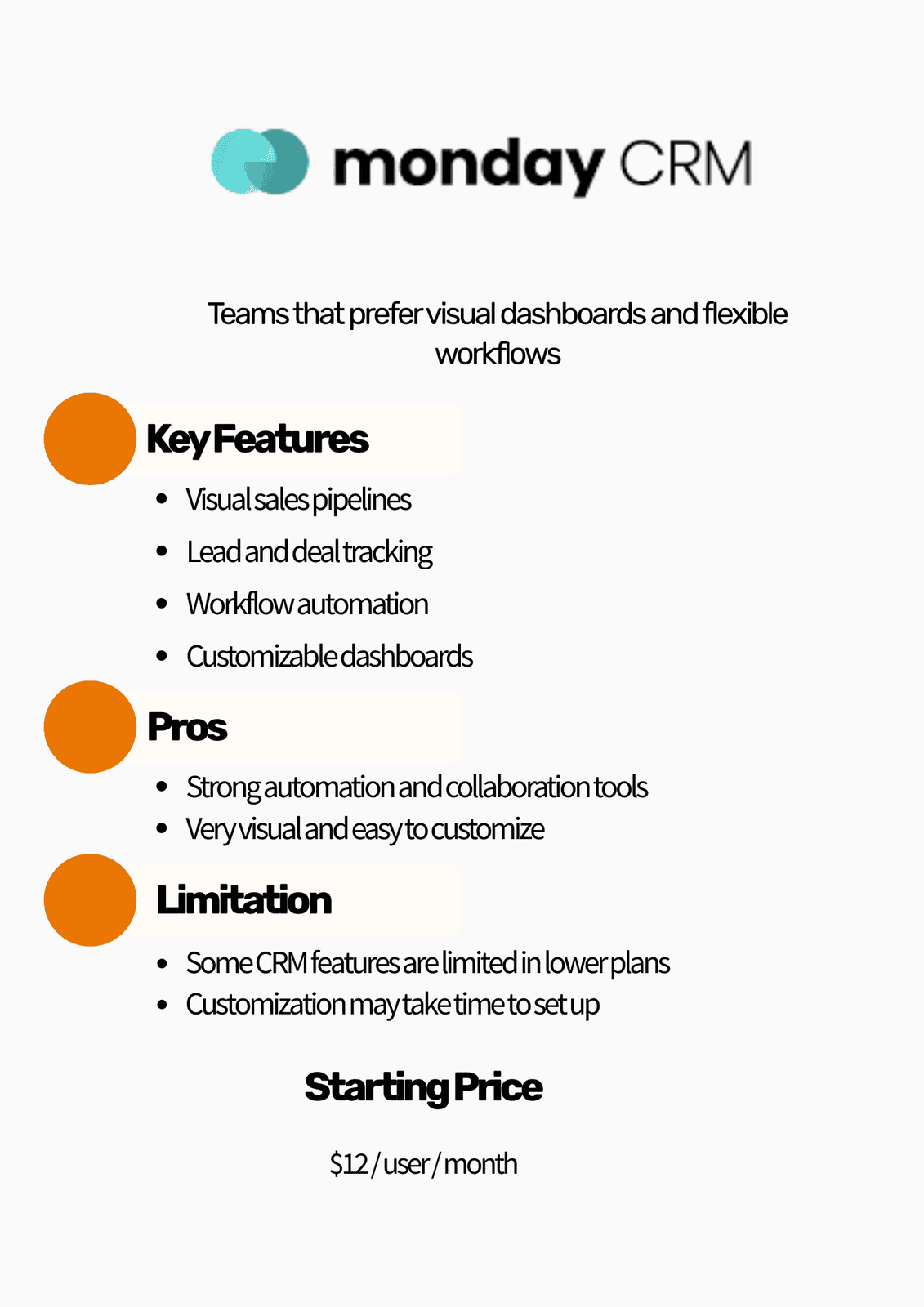
Monday Sales CRM is built on the same platform used by Monday’s popular project management tools.
The system is highly visual and customizable, allowing teams to design sales pipelines, automate tasks, and track deals using flexible dashboards. It is particularly appealing to teams that enjoy visual workflows and collaborative project management style interfaces.
Pricing
Starts around $12 per user per month
Best for
Teams that want a flexible and visual CRM system that integrates well with project management workflows.
Pros
Highly visual interface
Flexible workflow customisation
Strong collaboration features
Automation tools included
Cons
Some CRM specific features are limited in lower plans
Customisation setup can take time
7. Freshsales
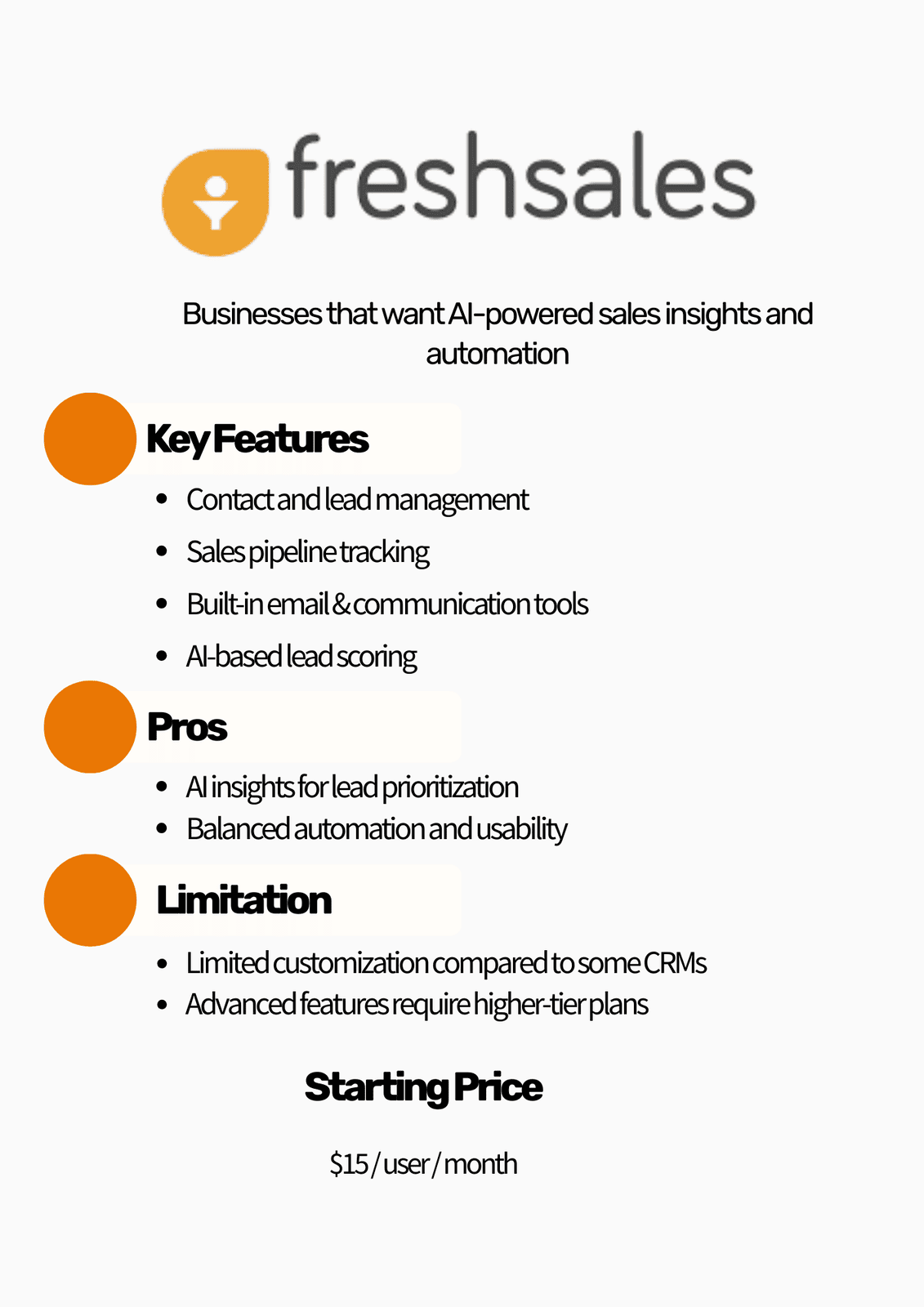
Freshsales, part of the Freshworks platform, is designed to help businesses track leads, manage pipelines, and gain insights through AI powered features.
The platform includes built in email, phone, and chat communication tools along with lead scoring capabilities that help sales teams prioritize their most promising opportunities.
Freshsales balances automation, usability, and pricing, making it attractive for growing businesses.
Pricing
Starts around $15 per user per month
Best for
Sales teams that want AI driven insights and built in communication tools.
Pros
AI based lead scoring and insights
Integrated communication tools
Clean interface and easy navigation
Good automation capabilities
Cons
Customisation options are limited compared to larger CRMs
Advanced features require higher tier plans
8. Keap
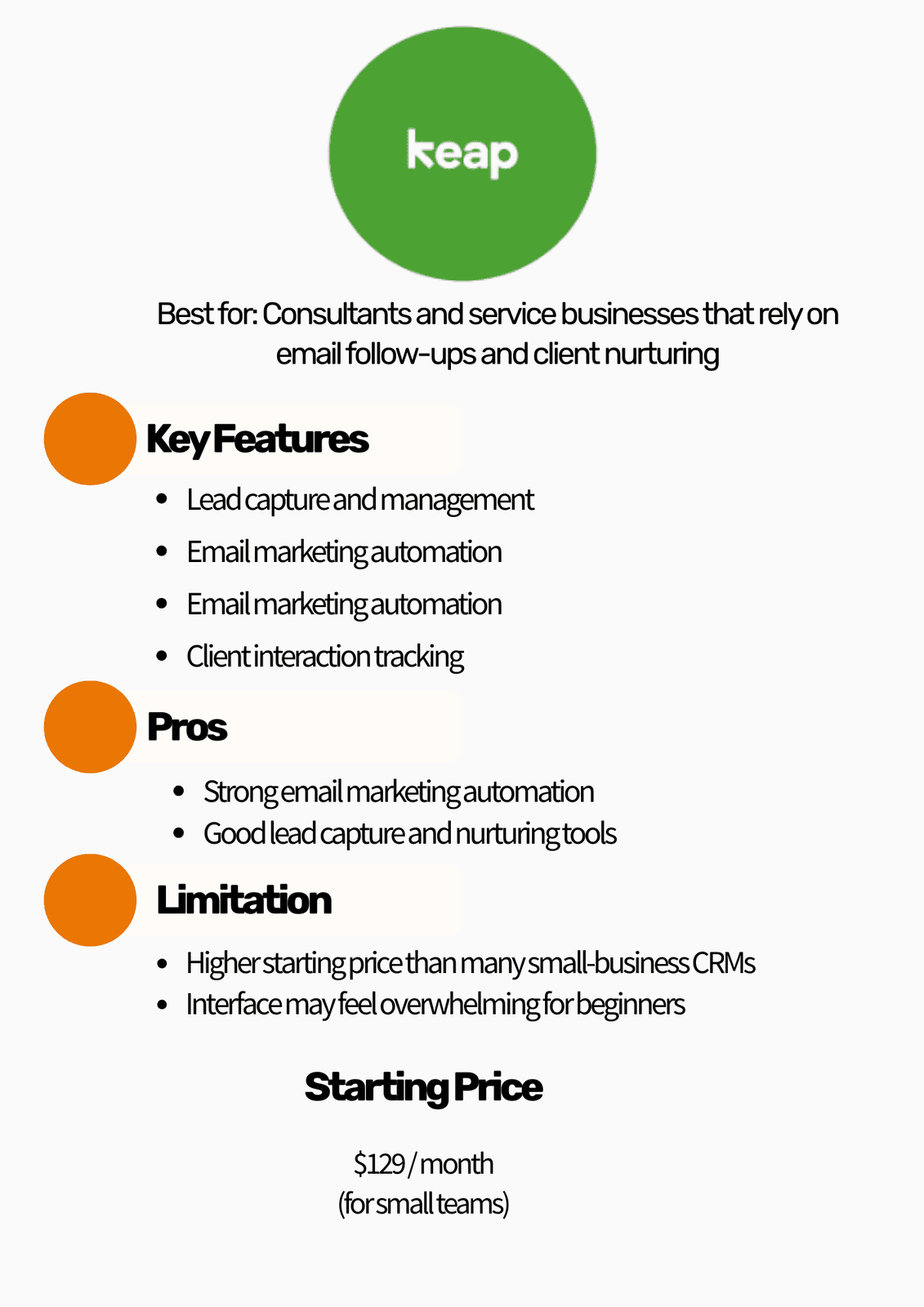
Keap is a CRM platform designed primarily for consultants, coaches, and service based businesses that rely heavily on follow ups and automated communication.
The platform combines CRM features with marketing automation, appointment scheduling, lead capture, and email marketing tools.
Because of its automation capabilities, Keap is often used by businesses that want to automate lead nurturing and client communication.
Pricing
Starts around $129 per month
Best for
Consultants, coaches, and service based businesses that rely on automated follow ups and client management.
Pros
Strong email marketing and automation tools
Built in lead capture features
Helpful for managing client relationships
Good follow up automation
Cons
Higher starting price than many CRMs
Interface can feel overwhelming for new users
9. Close CRM
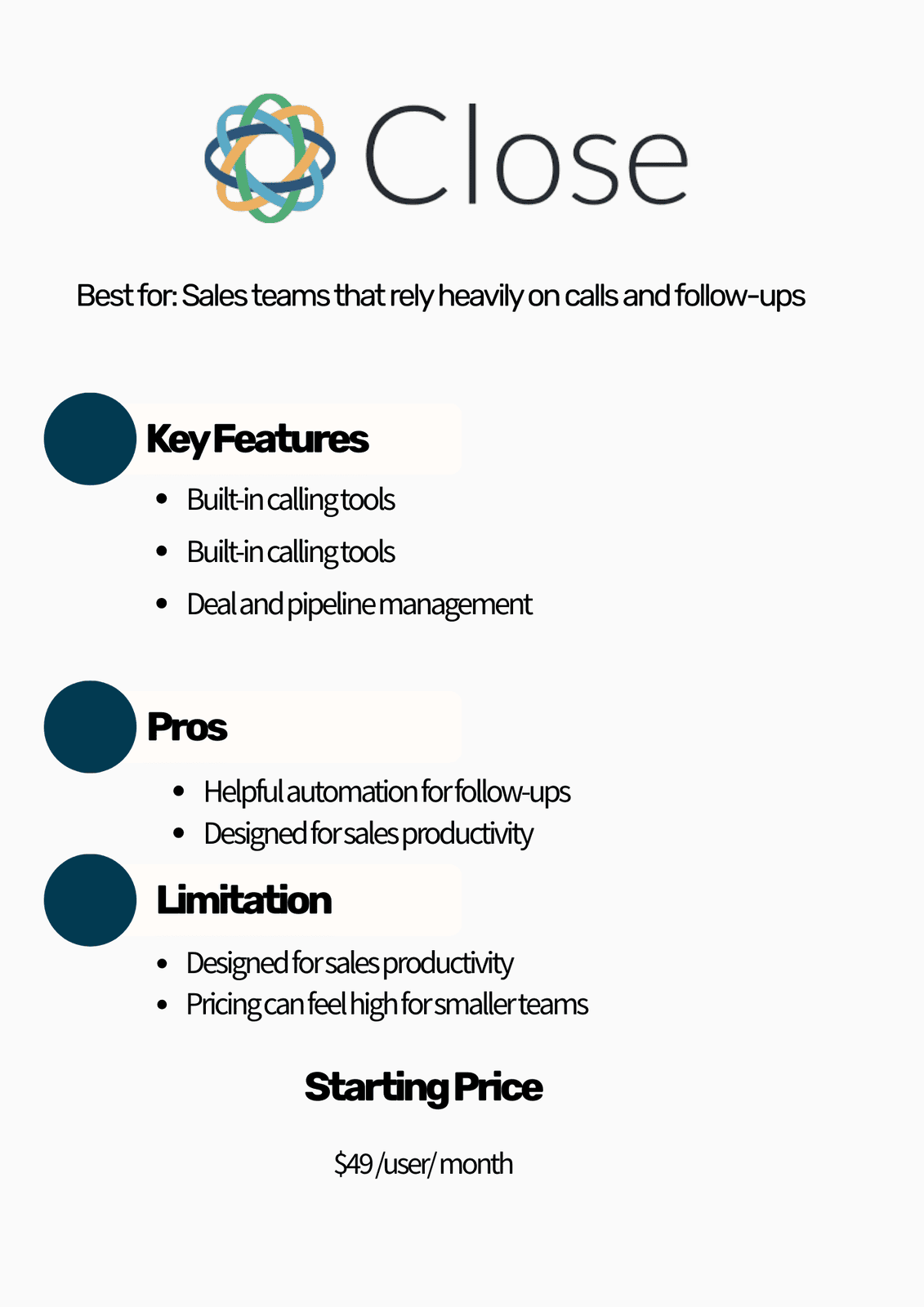
Close CRM is built primarily for sales teams that spend a large amount of time communicating with leads.
The platform combines calling, email, SMS, and deal tracking into one system so sales representatives can manage conversations and follow ups without switching between multiple tools.
This makes Close CRM particularly useful for inside sales teams and businesses that rely heavily on phone based sales.
Pricing
Starts around $49 per user per month
Best for
Sales teams that rely heavily on calls, emails, and follow ups to close deals.
Pros
Built in calling and communication tools
Strong focus on sales productivity
Helpful follow up automation
Designed specifically for sales teams
Cons
Limited marketing automation features
Higher price compared to many small business CRMs
10. Nimble CRM
Nimble CRM focuses on relationship management rather than just sales pipelines.
The platform gathers contact information from emails, social media platforms, and other communication channels to create unified contact profiles.
This makes it useful for professionals and businesses that rely heavily on networking and relationship building.
Pricing
Starts around $24.90 per user per month
Best for
Relationship driven businesses that manage contacts through email and social networks.
Pros
Strong contact management and relationship tracking
Integrates well with email and social platforms
Easy setup and simple interface
Good networking tools
Cons
Reporting features are relatively basic
Automation capabilities are limited compared to larger CRM platforms
Looking through a CRM software comparison can sometimes make things feel more confusing instead of clearer. Every tool seems to promise the same things—better organisation, better automation, better sales tracking. So how do you actually decide which one makes sense for your business?
Instead of focusing only on features, it helps to step back and think about a few practical things:
Your sales process: How do leads move from the first inquiry to becoming a customer? A good CRM should make that journey easy to see.
Automation needs: Do you spend a lot of time sending follow-ups or reminders? If so, a CRM with automation can save you a surprising amount of time.
Team size and budget: Some tools are built for small teams that want simplicity, while others are designed for businesses planning to scale.
One thing many businesses realize later is that choosing the software is only half the job. The real value usually comes from how the system is set up and used day to day.
Choosing the best CRM for small businesses is an important step, but the real impact usually comes from how the system is set up and used. Have you ever seen a team install a CRM and then slowly stop using it because the workflows feel confusing or incomplete?
That situation is more common than people think. Research shows that almost 43% of businesses use less than half of their CRM system’s features. Often, it’s not the software that’s the problem—it’s the way the system was implemented and structured from the start.
FAQs
Conclusion
By now, you’ve seen some of the top CRM tools available and what each one brings to the table. But here’s the thing: choosing a CRM isn’t really about picking the most popular platform. It’s about finding the one that fits how your business actually works.
The best CRM software 2026 will be the system that helps you stay organized, follow up with leads consistently, and give your team a clear view of every opportunity. When the right tool is paired with a thoughtful setup, it can turn scattered customer interactions into a much more structured and manageable sales process.
And if you’re still sorting through options or wondering how to set things up the right way, sometimes a quick conversation with CRMinstructors can make the whole process a lot clearer.