Running a small business often means doing everything yourself. You reply to leads, track customers, send follow-ups, and still try to grow your business. Over time, this manual work becomes exhausting, and important opportunities can slip away without you noticing.
This is where CRM automation for small businesses makes a real difference. It helps you organise your leads, send timely messages, and automate your sales process with CRM instead of relying on memory and guesswork. In this guide, you’ll learn five simple automations that can save time, reduce stress, and help your business run more smoothly.
Jumping straight into automation might seem tempting, but it often leads to frustration when things don’t work as expected. A research review of small and medium‑sized enterprises shows that CRM adoption can improve sales by 15 to 30 percent and customer retention by 25 to 40 percent, largely because good systems help teams manage data and processes better.
To make small business CRM automation work for you, start with the basics:
Clean contact data
All the automations you’ll set up will depend on the quality of your data. If phone numbers, emails, or customer details are messy, your workflows won’t run smoothly.
Defined sales stages
Your sales process needs clear, simple stages so your CRM knows how to move deals from one step to the next. If stages are vague, automation can’t guide your team or trigger the right actions.
Clear customer journey
Understanding how a lead becomes a customer helps you map out automations that make sense. Are customers contacted immediately after sign‑up? Do they get reminders? Lay out the journey first.
Assigned roles
Make sure you know who is responsible for what. Assigning owners to contacts and tasks ensures notifications get acted on, not ignored.
Without these basics, CRM automation examples like automated follow‑ups or task creation can feel chaotic rather than helpful. Organized data and a clear process give you a strong foundation. Start simple and build from there, and you’ll find automations feel more like support and less like confusion.
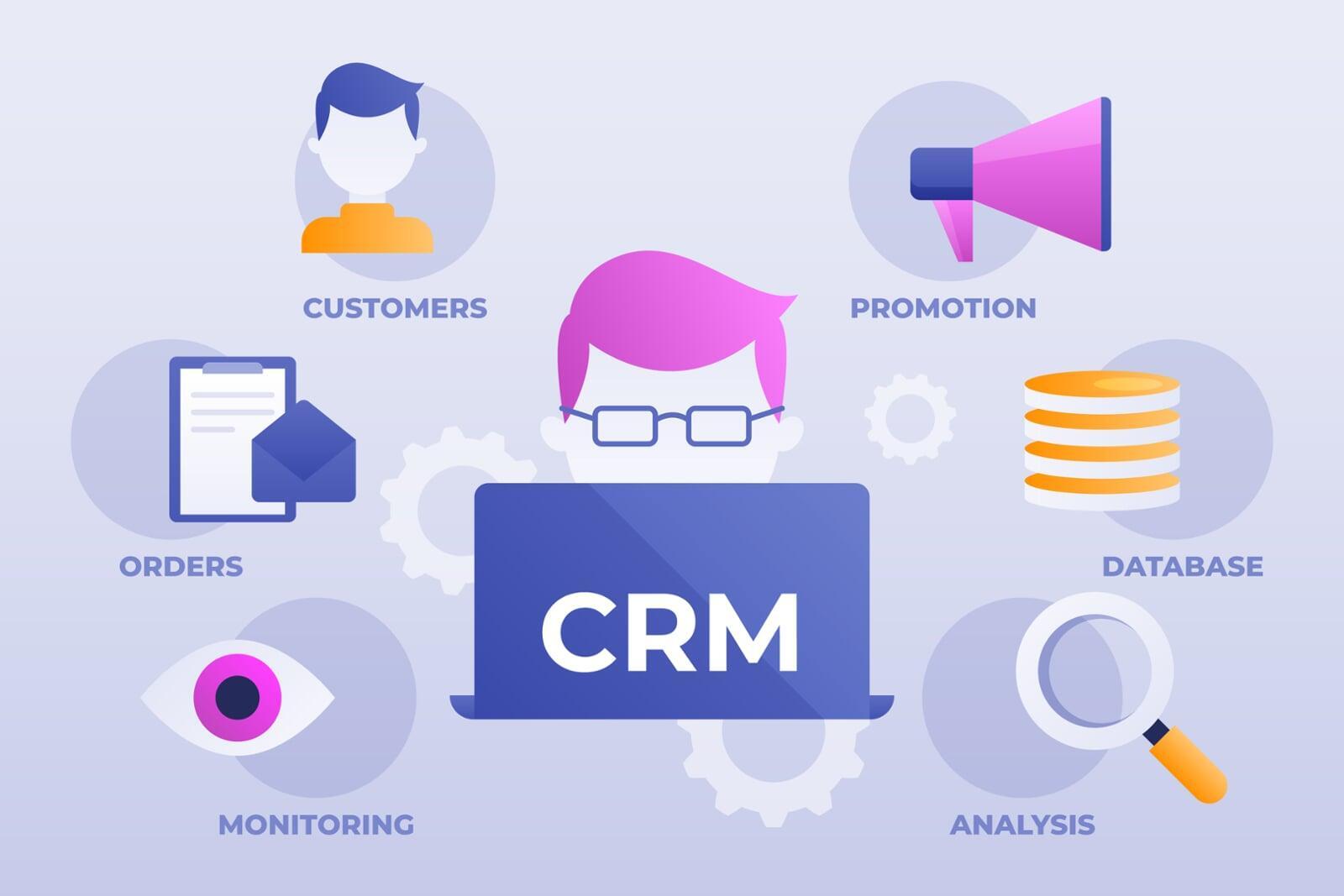
Implementing the right CRM automation for small business can turn repetitive tasks into effortless workflows, freeing up time to focus on growing your sales and serving your customers better.
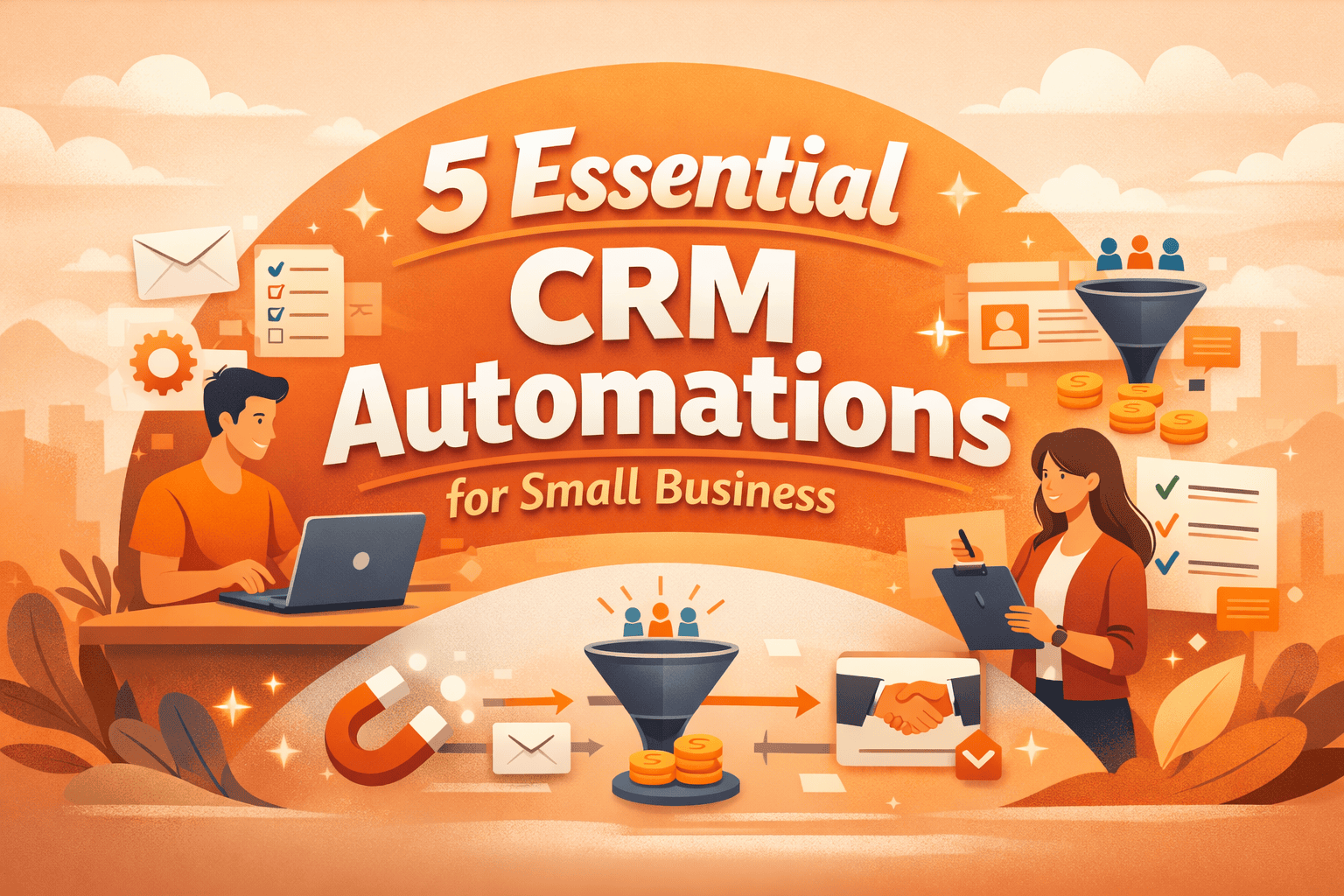
Here are the five essential CRM automation for small businesses:
1. Lead Capture and Assignment
This automation automatically saves new leads from forms, emails, or social media and assigns them to the right team member. It ensures no lead gets lost and helps your team follow up quickly. By handling this automatically, you spend less time on admin and more time closing deals.
2. Instant Follow-Up Emails
This automation sends automatic emails to new leads or customers as soon as they take action, like filling out a form or making an inquiry. It keeps prospects engaged right away and shows them you’re responsive. This is one of the most common CRM automation examples that helps small businesses save time and turn leads into customers faster.
3. Deal Stage and Task Automation
Keeping track of every deal can be overwhelming, especially as your business grows. This automation moves deals to the next stage and creates tasks automatically whenever something changes in your pipeline. It keeps your sales process organised, ensures timely follow-ups, and helps your team focus on closing deals instead of juggling updates.
4. Customer On-boarding Sequences
Bringing new customers on board can be time-consuming if done manually. This automation automatically sends welcome emails, guides, and resources so every customer knows exactly what to do next. It’s an easy way to automate your sales process with CRM and make onboarding smooth, consistent, and hassle-free.
5. Re-Engagement and Follow-Up Reminders
It’s easy for leads or customers to go quiet, and manually tracking who to follow up with can be tricky. This automation sends reminders or follow-up messages automatically, keeping your pipeline active and opportunities from slipping away. This is a simple form of CRM workflow automation that helps your team stay on top of every lead without extra effort.
Setting up your automations is just the first step. To get the most value, monitor their performance and make small adjustments as your business and customers change.
Key Areas to Track:
- Pipeline performance: Are deals moving smoothly?
- Open rates: Are your emails being read?
Workflow updates: Are tasks and sequences still relevant?
Research shows 78% of sales teams using automation report better pipeline management and deal tracking.
By keeping an eye on these areas, your CRM workflow automation stays effective. This helps you automate your sales process with CRM while keeping it aligned with your goals. Small tweaks over time make your automations smarter, faster, and more supportive of growth.
Conclusion
For a small business, growth is not just about working harder, it’s also about working smarter with systems that help you get the job done. The right CRM automation for a small business is not just about getting things done, it’s also about gaining clarity, consistency, and confidence that nothing falls through the cracks. The real secret to success is found in taking small steps, seeing what works, and making adjustments over time.
If you look at a successful team, the difference between them and a less successful team is often a few simple CRM automation examples, not necessarily complex systems, just simple automation that keeps the business flowing smoothly on a daily basis.
Transform Your Business with CRM Automation
Every business has a different path to growth. With our Playbook, you don’t have to guess, we’ll map it out for you. Get started today and scale smarter.