At some point, many small business owners realise that keeping track of customers and leads is becoming harder than it should be. What started as a simple spreadsheet or a few notes in an inbox slowly turns into a system that’s difficult to manage.
You might have leads coming from your website, referrals, or marketing campaigns. Conversations happen across emails, calls, and messages. Over time, it becomes harder to see who needs a follow-up or where a deal currently stands.
This is usually when the search for a CRM begins. And very quickly, two names tend to appear in that search: Zoho and HubSpot.
Both platforms are widely used by small businesses to organise contacts, manage deals, and support marketing activities. But choosing between them isn’t always obvious. The right CRM often depends on your budget, marketing needs, how easy the system is to use, and whether it can scale as your business grows.
In this guide, we’ll explore Zoho vs HubSpot to help you understand how they compare and which one may fit your business best.
Think about how you currently keep track of potential customers. Maybe there’s a spreadsheet with a few names, an inbox full of inquiries, and a couple of notes you plan to follow up on later.
At first, that system works. You remember most conversations and manage follow-ups manually.
But what happens when more leads start coming in? Can you easily see who contacted you last week? Or which prospect is ready to move forward?
This is where a CRM becomes valuable. A Customer Relationship Management system helps bring structure to those interactions.
Instead of scattered information, a CRM allows you to:
Centralise customer data in one place
Track leads through each stage of the sales process
Automate follow-ups so prospects don’t get forgotten
Improve sales visibility so you know which deals are active
Support email marketing and ongoing communication
For example, imagine a small service business receiving leads from its website, referrals, and social media. A CRM captures those inquiries, organizes them, and helps ensure every potential customer receives timely follow-up.
1. Zoho CRM Overview
What do you understand about Zoho CRM?
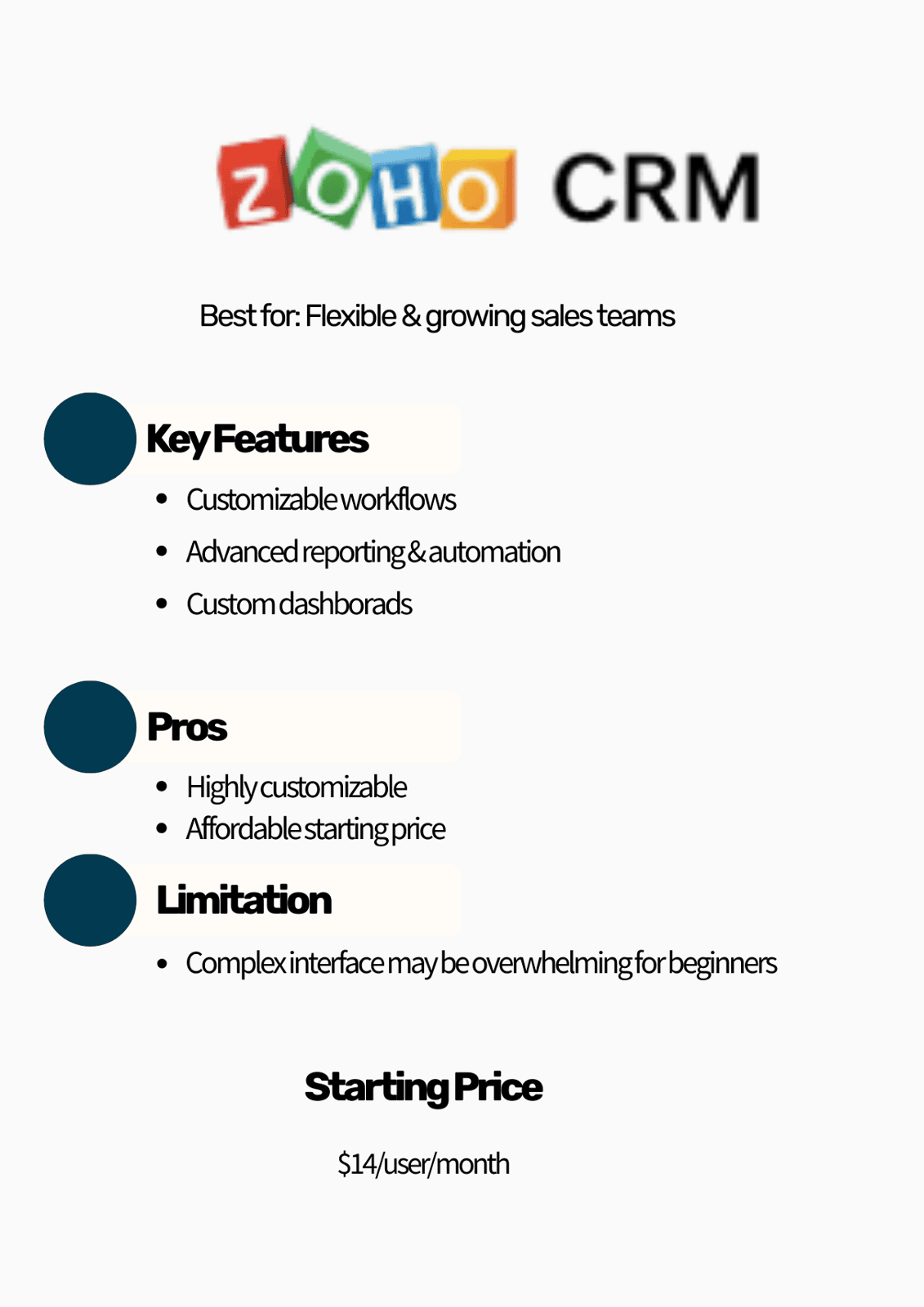
Zoho CRM is a customer relationship management platform designed to help businesses organise contacts, track deals, and manage sales activities in one place. When exploring CRM options, Zoho CRM for small business often appears as a practical choice, especially for teams that want strong functionality without a large software budget.
Many small businesses are drawn to Zoho because it combines affordability with flexibility. The platform offers a free plan for up to three users, while paid plans start at around $14 per user per month, allowing businesses to scale the system as their teams grow.
Beyond pricing, Zoho is also known for its flexibility. Companies can customise pipelines, automate routine tasks, and connect Zoho CRM with other apps in the Zoho ecosystem.
For small businesses that want a CRM they can shape around their own processes, Zoho often becomes a tool worth considering.
Let’s take a closer look at some of the features that make Zoho CRM useful for small businesses.
Key Features of Zoho CRM for Small Businesses
Pipeline management: Zoho CRM allows businesses to organize deals into clear stages. This makes it easier to see where each opportunity stands and which prospects need attention next.
Workflow automation: Routine tasks like sending follow-up emails, assigning leads, or updating deal stages can be automated. This helps teams save time and stay consistent with customer communication.
AI assistant (Zia): Zoho’s AI assistant, Zia, helps analyze sales activities and provide useful suggestions. It can highlight patterns, predict trends, and help teams make better decisions.
Reporting and analytics: Zoho provides dashboards and reports that show how sales activities are performing. This helps businesses understand what is working and where improvements may be needed.
Integration with other Zoho apps: It connects easily with tools like Zoho Campaigns, Zoho Books, and other apps in the Zoho ecosystem, helping businesses manage different parts of their operations in one environment.
A small retail business implemented Zoho CRM to organize customer inquiries and automate follow-ups. After customizing the system and using its reporting tools,the company increased customer satisfaction by around 35%.
While these features make Zoho CRM useful for many small businesses, it also comes with a few advantages and limitations worth considering.
Pros
Affordable pricing
Highly customisable
Strong automation
Cons
Steeper learning curve
Interface can feel complex for beginners
2. HubSpot CRM Overview
Some small businesses don’t struggle with tracking deals. Their bigger challenge is turning website visitors into leads and keeping those leads engaged.
You might have a website collecting inquiries, forms capturing contacts, and email campaigns running in the background. But when those tools live in different places, managing conversations and follow-ups can quickly become difficult.
This is where many teams start exploring HubSpot CRM for small business.
What exactly comes to mind when you hear the term HubSpot CRM?
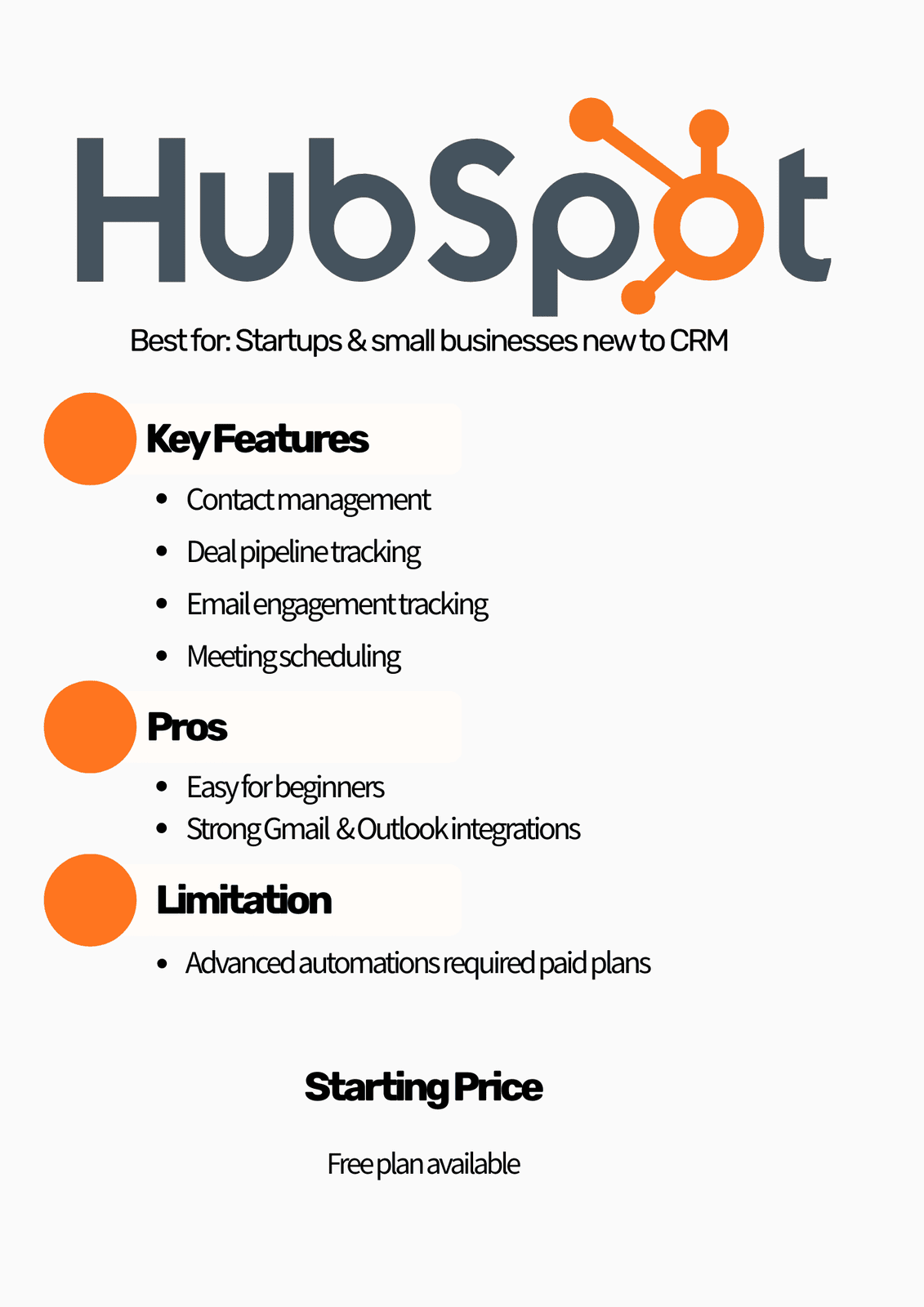
HubSpot CRM is a customer relationship management platform designed to help businesses capture leads, organize contacts, and manage both sales and marketing activities in one place.
The platform is also known for its free CRM plan, which makes it appealing for startups and small teams getting started. As businesses grow and need more advanced marketing automation and reporting tools, paid plans typically start at around $20 per user per month.
Today,more than 238,000 companies worldwide use HubSpot CRM to manage their marketing, sales, and customer relationships.
Let’s look at some of the features that make HubSpot CRM useful for growing teams.
Key Features
Contact management: HubSpot stores all customer information in one place, making it easy to see contact details, past interactions, and deal history.
Email tracking: Businesses can track when emails are opened and clicked, helping sales teams understand when prospects are engaging.
Marketing automation: HubSpot allows businesses to automate marketing tasks such as email sequences, lead nurturing, and campaign follow-ups.
Landing pages and forms: Teams can create landing pages and forms that capture leads directly into the CRM.
Sales pipeline management: HubSpot provides a visual pipeline that helps teams track deals and monitor progress through different sales stages.
Pros
It is very easy to use
HubSpot has strong marketing tools
It has powerful free plan
Cons
HubSpot pricing increases quickly
Its advanced automation requires higher tiers
When small businesses begin comparing CRM platforms, the conversation often comes down to Zoho CRM vs HubSpot CRM. Looking at their key differences can help you understand which platform better fits the way your business manages leads and customers.
Here’s a simple comparison to help you see how the two platforms differ.
| Feature | Zoho CRM | HubSpot CRM |
| Ease of use | Moderate | Very Easy |
| Pricing | Affordable | Can get expensive |
| Customisation | High | Moderate |
| Marketing Tools | Good | Excellent |
| Best For | Cost-conscious teams | Marketing-driven teams |
After choosing a CRM, many business owners start asking a practical question: how difficult will it be to set up and actually use?
For many small teams, HubSpot often feels easier to implement. The interface is simple, and many features are ready to use without much configuration. Businesses can start capturing leads, organizing contacts, and tracking deals fairly quickly.
Zoho CRM can require a bit more setup. Because the platform allows deeper customization, businesses may spend more time adjusting pipelines, workflows, and integrations to match their processes.
However, choosing the best CRM for small business is not just about which tool is easier to start with. The real difference often comes down to how well the system is implemented.Tasks like data migration, pipeline setup, automation workflows, and email integration play a major role in whether the CRM truly helps the business grow.
Common CRM Implementation Mistakes
Here are some common implementation mistakes:
Importing messy contact data
Poorly defined pipeline stages
Overcomplicated automation
Not sure whether Zoho or HubSpot is right for your business? a quick consultation can help your growing businesses implement and optimise CRM systems.
By the time businesses compare Zoho CRM vs HubSpot CRM, the decision usually becomes less about features and more about fit. Both platforms can manage contacts, track deals, and support sales teams. The real difference comes from how your business generates leads and how much flexibility you want from your CRM.
Here are a few situations that can help clarify which platform may suit your business better.
When to Choose Zoho CRM
Zoho CRM tends to work well for businesses that want more control over how their CRM is structured. If your sales process is unique or you prefer customising pipelines and workflows to match how your team operates, Zoho gives you that flexibility.
It is also a practical choice for businesses that want to keep costs manageable while still using automation and reporting tools.
When to Choose HubSpot CRM
HubSpot CRM often appeals to businesses that rely heavily on marketing to generate leads. If your team captures contacts through website forms, landing pages, or email campaigns, HubSpot makes it easier to manage those interactions in one place.
The platform is also known for its simplicity. Many small teams choose HubSpot because it is easy to learn and allows them to start organizing leads quickly.
FAQs
Conclusion
Deciding between Zoho vs HubSpot is less about choosing the “better” platform and more about finding the one that fits how your business operates.
Both tools are capable CRM solutions that help businesses organize contacts, manage deals, and improve customer communication. The best CRM for small business often depends on factors like your budget, your marketing strategy, and how much flexibility your team needs from the system.
What ultimately determines success, however, is how well the CRM is implemented. Clear pipelines, clean customer data, and thoughtful automation can make a significant difference in how useful the system becomes.
If you’re still weighing your options or planning a CRM setup, getting expert guidance from Crminstructors can help ensure the system supports your business as it grows.